ESP
Boxes, health bars, names, distance, head dot and snaplines. Green when an enemy is spotted, red when hidden.
- draws onTransparent overlay
- skeletonNeeds one offset
ESP, human-like aim assist, triggerbot and a skin changer in one small Windows program, with a gray menu whose colours you can change. It only switches on when CS2 runs with -insecure: bots, LAN and private servers.
kestrel.zip · Windows 10/11 x64 · exe SHA-256 ece23bd8cd68b481…
Boxes, health bars, names, distance, head dot and snaplines. Green when an enemy is spotted, red when hidden.
Moves your real mouse like a hand: reaction time, slow start, eased approach, a slightly different aim point every time.
Clicks when the game's own crosshair target is an enemy, with random reaction, click length and cooldown.
1456 gun skins with search, wear, pattern seed and StatTrak. Knives and gloves are not included.

ESP and the aim FOV circle. Preview mode with demo players, not a real match.
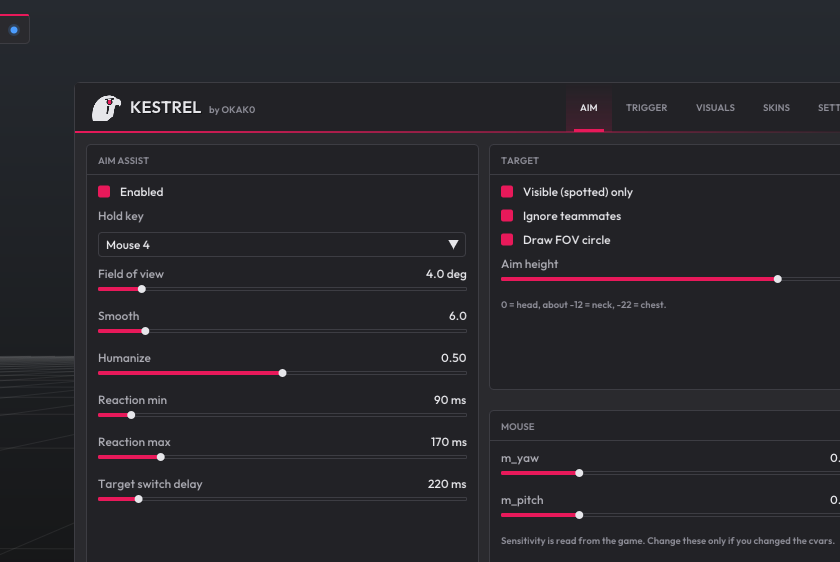
Aim tab
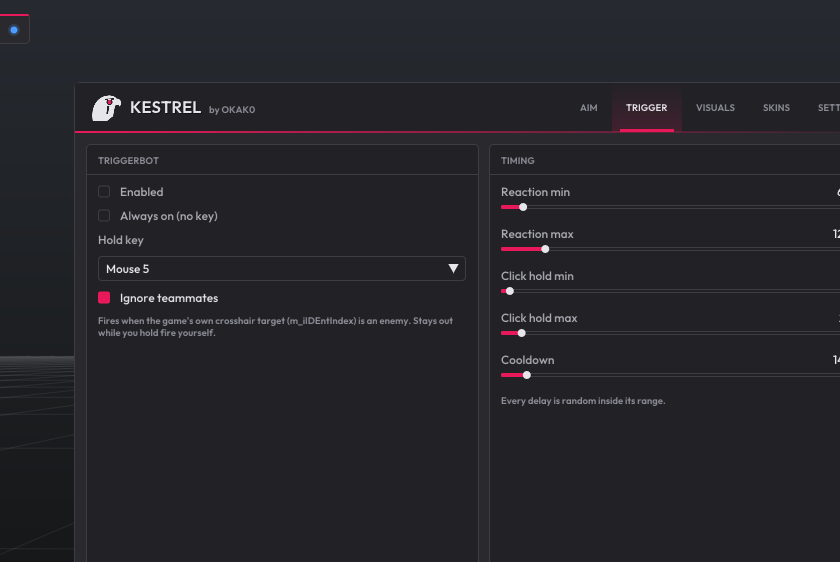
Trigger tab
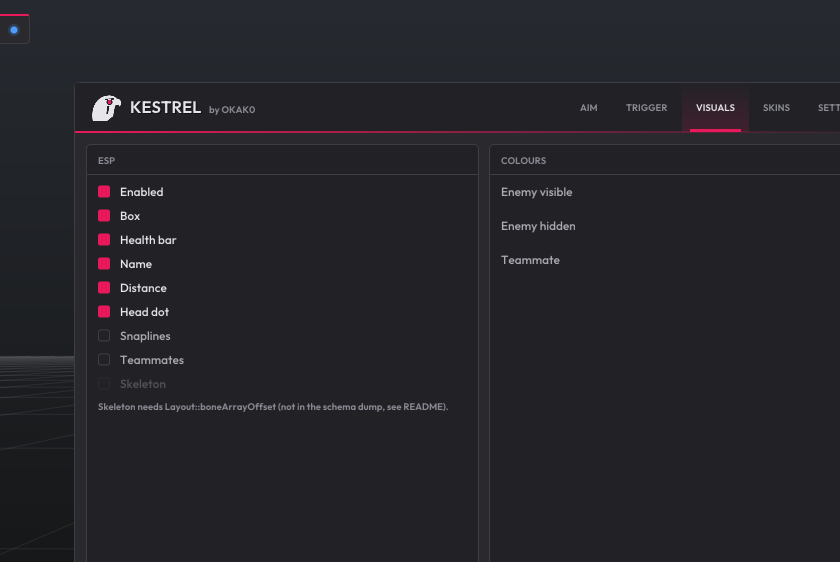
Visuals tab
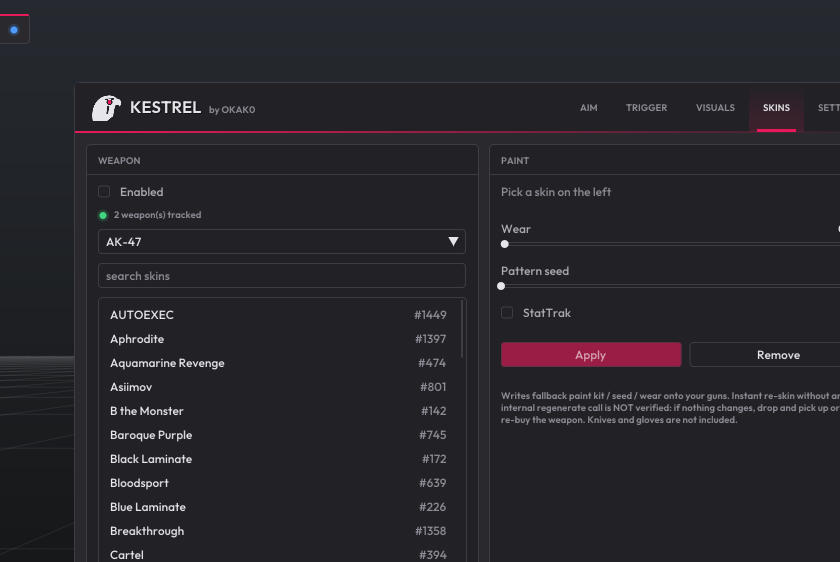
Skins tab
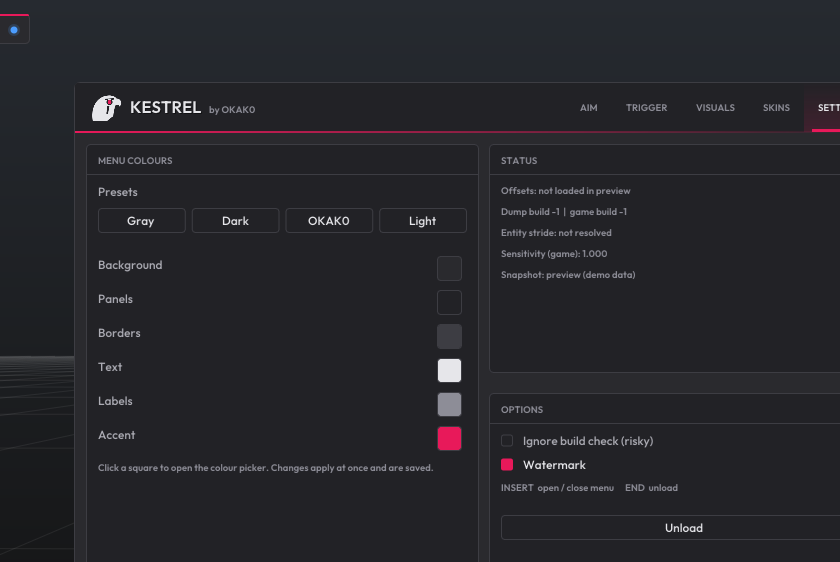
Settings: every menu colour is editable, with presets
-insecurekestrel.exe. INSERT opens the menu, END closes the program.kestrel.exe --preview to see the menu without the game.Built on 25 Nov 2026. The menu and the offset download were tested; it has not yet been run inside a live match.